Screening from a Rental Application
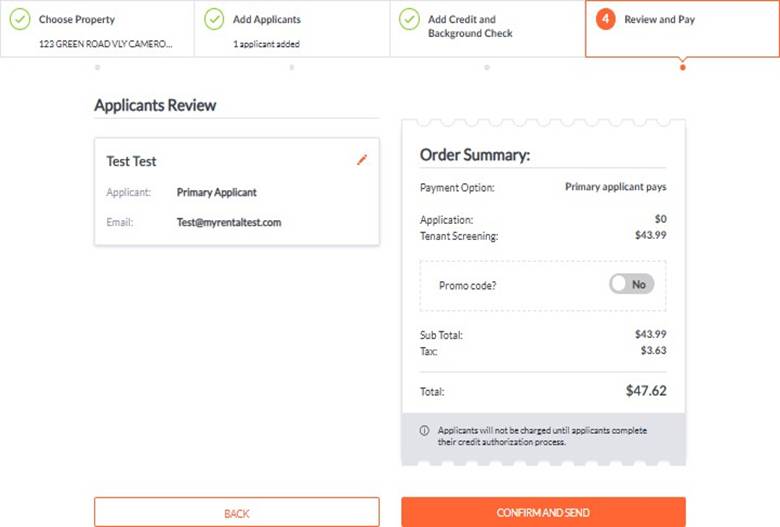
You can start screening directly from an online rental application. This workflow uses the applicant-entered information and guides you through selecting a package, reviewing details, and completing payment.
✅ Steps
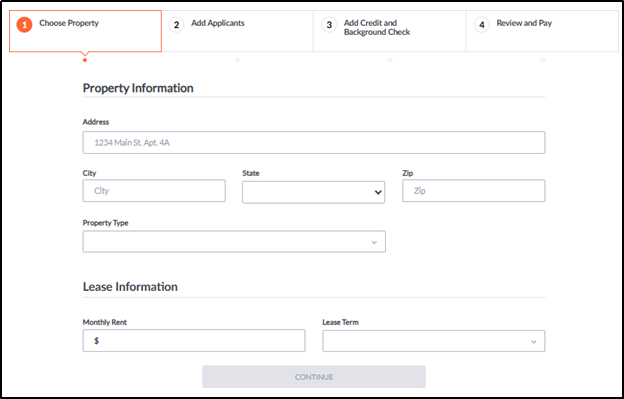
- Select a Property.
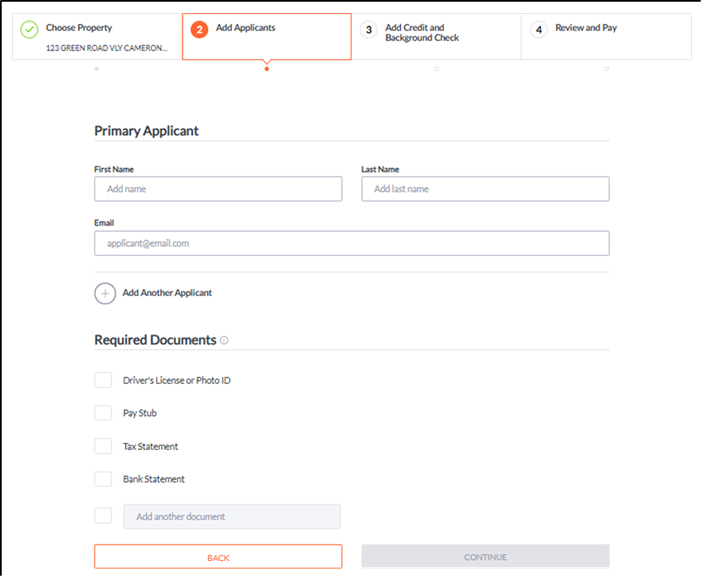
- Enter Applicant Data and choose any required documents.
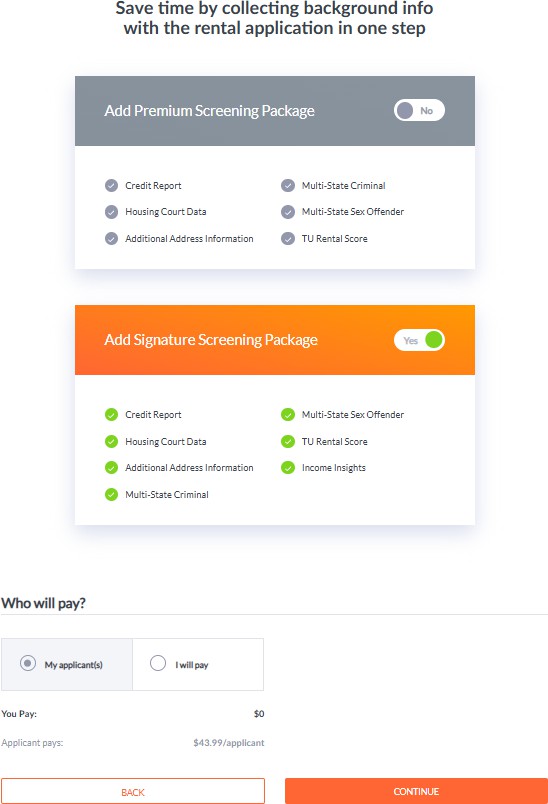
- Select a Screening Package from the available options.
- Review and Pay to submit the screening request.